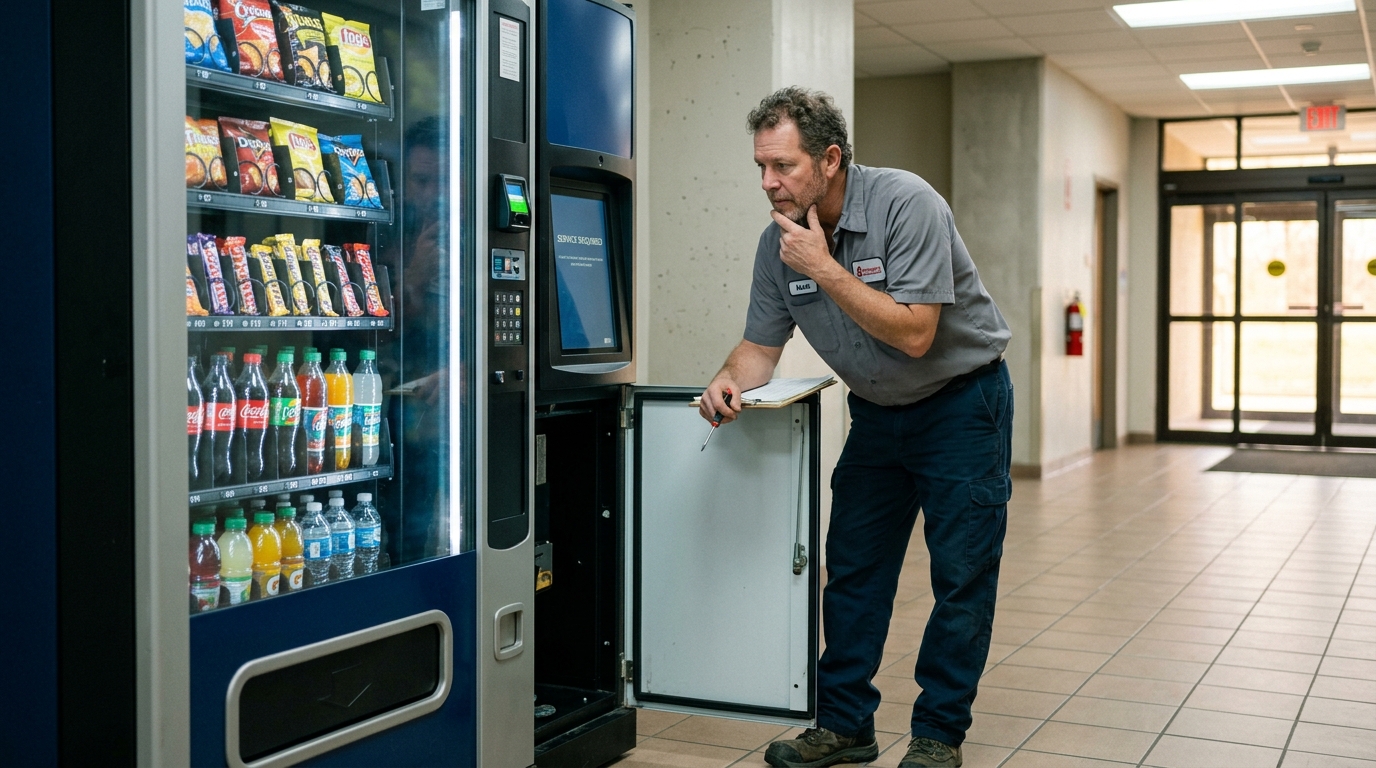
Combo Vending Machine Troubleshooting Guide: Common Issues and Fixes
Most combo vending machine problems fall into four categories: dispensing failures, refrigeration issues, payment terminal errors, and connectivity or display faults, each with a distinct set of likely causes and fixes. Identifying which category a problem belongs to is the fastest way to resolve it, since a dispensing jam and a refrigeration fault require completely different troubleshooting steps despite sometimes looking similar to an operator standing in front of the machine. This guide walks through the most common issues by category, what typically causes each one, and when a problem needs a technician rather than an on-site fix.
How to Approach Combo Vending Machine Troubleshooting
Start by identifying which subsystem is affected, dispensing, refrigeration, payment, or connectivity, before attempting any fix, since misdiagnosing the category wastes time and can mask the actual root cause. Understanding what a smart combo vending machine is and how its subsystems divide functionally makes this triage step faster, since each category maps to a distinct physical or software component inside the cabinet.
Dispensing Issues
Dispensing problems are the most common fault category, since these mechanisms cycle constantly and see the most physical wear of any component in the machine.
Jammed Spiral or Drop Mechanism
A jam typically happens because a product isn’t sized correctly for its assigned slot, causing the spiral or drop mechanism to bind mid-rotation. Clearing this usually requires opening the compartment, removing the obstructing item, and confirming remaining inventory in that slot is sized appropriately before resuming sales from it.
Item Stuck But Payment Processed
When payment completes but the item doesn’t drop, the delivery sensor typically logs this exact failure, which is why most machines flag it for operator review rather than silently losing the transaction record. Refunding or crediting the customer, where the machine supports that, combined with clearing the physical jam, resolves both the mechanical and customer service side of the issue.
Refrigeration and Temperature Issues
Refrigeration faults carry higher urgency than most other issues, since a failing compressor threatens perishable inventory rather than just causing an inconvenience.
Compressor Not Cooling
A compressor that runs but doesn’t bring the compartment down to temperature often points to a refrigerant issue or a failing component within the cooling loop, both of which typically require a qualified technician rather than an on-site fix. Understanding how a smart combo vending machine works clarifies why this specific fault sits outside routine operator maintenance, since refrigerant handling requires certification in most jurisdictions.
Door Seal Wear
A worn or damaged door seal lets warm air infiltrate the refrigerated compartment gradually, showing up as inconsistent temperature readings before it becomes a full cooling failure. This is one of the few refrigeration-related issues an operator can typically address directly, since seal replacement doesn’t require refrigerant handling.
Payment and Cashless Terminal Issues
Payment terminal problems are usually connectivity or hardware issues rather than software faults, and most resolve faster than dispensing or refrigeration problems.
Card Reader Not Responding
An unresponsive card reader is often caused by a loose connection between the terminal and the main control board, or occasionally a firmware issue requiring a terminal restart. Power-cycling the payment terminal specifically, rather than the entire machine, resolves this in many cases without needing a technician visit.
Payment Processed But No Dispense
This specific combination, successful payment authorization without a corresponding dispense, usually indicates a communication gap between the payment terminal and the dispensing control board rather than a fault in either component individually. Logging the transaction details and checking the machine’s error log helps pinpoint whether it’s a one-time glitch or a recurring communication issue worth escalating.
Touchscreen and Display Issues
An unresponsive or frozen touchscreen typically resolves with a power cycle, though a screen that repeatedly freezes points to a firmware issue worth flagging for a software update rather than repeatedly restarting the unit as a permanent workaround.
Connectivity and Telemetry Issues
A machine that stops reporting inventory or sales data to the operator’s dashboard has usually lost its cellular or Wi-Fi connection, which doesn’t typically affect the machine’s ability to dispense product locally but does delay remote monitoring until connectivity restores. Checking signal strength at the installation location and confirming the telemetry module hasn’t come loose during a recent restock visit are the first two steps before assuming a hardware failure.
Troubleshooting by Symptom
| Symptom | Likely Cause | First Step |
|---|---|---|
| Item jams mid-dispense | Incorrectly sized product in slot | Open compartment, clear obstruction, resize inventory |
| Payment processed, no item dispensed | Communication gap between terminal and control board | Check error log, refund/credit if supported |
| Compartment not reaching temperature | Compressor or refrigerant issue | Contact a certified technician |
| Inconsistent refrigeration readings | Worn door seal | Inspect and replace seal |
| Card reader unresponsive | Loose connection or firmware issue | Power-cycle the payment terminal |
| Touchscreen frozen | Software glitch or pending firmware update | Power cycle, then check for updates |
| Dashboard shows no data | Lost cellular/Wi-Fi connection | Check signal strength and telemetry module connection |
When to Call a Technician vs DIY Fix
Safe for On-Site Fixes
Clearing simple dispensing jams. Power-cycling payment terminals or touchscreens. Replacing worn door seals. Checking telemetry connectivity and signal strength.
Needs a Certified Technician
Refrigerant-related compressor issues. Internal control board replacement or repair. Persistent payment terminal hardware failures. Structural or electrical faults inside the cabinet.
Preventive Maintenance to Avoid Future Issues
Regular inspection of door seals, dispensing mechanisms, and payment terminal connections during routine restock visits catches most issues before they escalate into a full service call. Keeping firmware updated on the control board and payment terminal also prevents a meaningful share of software-related freezes and communication faults that otherwise show up as unpredictable, hard-to-diagnose symptoms.
- Inspect During Restocks
- Keep Firmware Current
- Log Every Fault
New vs Used Machines: Troubleshooting Differences
Used machines statistically see more of the mechanical and refrigeration-category issues covered above, simply due to accumulated wear, while new machines more often show software or firmware-related quirks typical of recently deployed technology still being fine-tuned. A detailed comparison of used combo vending machines vs new covers this tradeoff directly, useful context when deciding whether a recurring issue on an older machine is worth repairing or a signal to consider replacement instead. That repair-vs-replace decision often comes down to cost; the smart combo vending machine cost guide is worth reviewing alongside a major repair estimate before committing to either path.
Where to Learn More
Maintenance responsibility is sometimes defined explicitly in a venue placement contract, so reviewing what belongs in a proper smart combo vending machine placement agreement helps confirm who’s responsible for which category of repair before a dispute arises over an unresolved issue.
Combo Vending Machines
Frequent breakdowns eating into your revenue? Compare reliable configurations built to reduce service calls.
Combo Vending MachinesReady to Upgrade From a Problem Machine?
Compare current models with modern payment terminals and telemetry built in.
What are the most common combo vending machine problems?
Most issues fall into four categories: dispensing jams, refrigeration faults, payment terminal errors, and connectivity or display problems, each requiring a different troubleshooting approach.
What causes a combo vending machine to jam?
Jams typically happen when a product isn’t sized correctly for its assigned slot, causing the spiral or drop mechanism to bind mid-rotation during dispensing.
What should I do if payment processes but the item doesn’t dispense?
Check the machine’s error log to confirm the transaction was recorded, refund or credit the customer if the system supports it, and clear any physical jam in the affected slot.
Can I fix a refrigeration issue myself?
A worn door seal can typically be replaced on-site, but compressor or refrigerant-related cooling failures require a certified technician in most jurisdictions.
Why is my combo vending machine’s card reader not responding?
This is often caused by a loose connection between the terminal and control board, or a firmware issue, and power-cycling the payment terminal specifically resolves many of these cases.
What if my combo vending machine’s touchscreen freezes?
A power cycle resolves most one-time freezes, but a screen that freezes repeatedly points to a firmware issue that should be updated rather than repeatedly restarted as a workaround.
Why did my machine stop reporting inventory data to my dashboard?
This usually indicates a lost cellular or Wi-Fi connection, which doesn’t affect local dispensing but delays remote monitoring until connectivity is restored.
Do used combo vending machines have more problems than new ones?
Used machines statistically see more mechanical and refrigeration-related issues due to accumulated wear, while new machines more often show software or firmware-related quirks.
How can I prevent common combo vending machine issues?
Inspect door seals, dispensing mechanisms, and payment terminal connections during routine restock visits, and keep firmware updated to prevent many software-related faults.
Who is responsible for repairing a vending machine at a hosted location?
This is typically defined in the venue’s placement agreement, which usually assigns machine maintenance to the operator and site conditions to the property owner.